

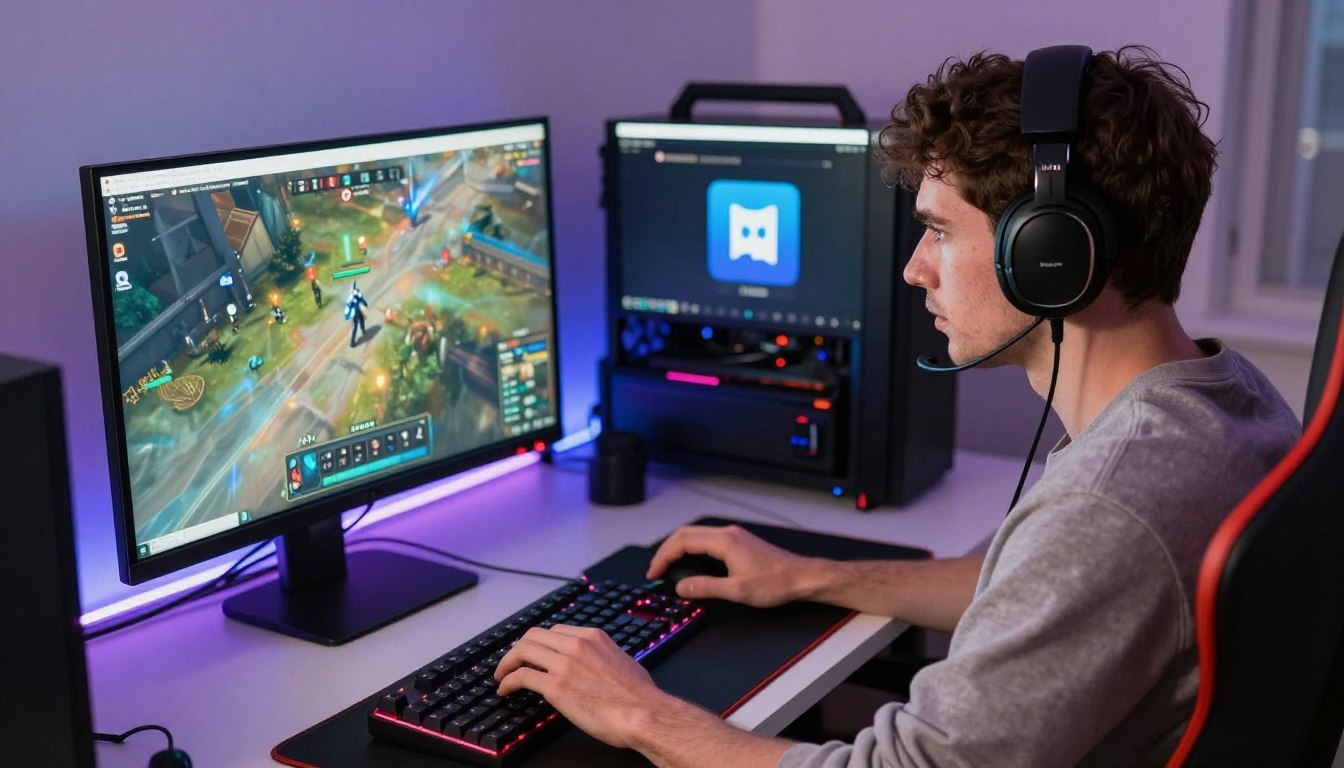
A game that stutters while Discord and a browser are open may need more memory, but a larger RAM number does not automatically mean more frames per second. The right change depends on what is holding your computer back. Gameplay smoothness, loading, and running other applications alongside a game can all shape your experience, but more memory will not fix every slowdown.
Before you spend money, look at what happens during your usual gaming session. Notice whether the game hitches when you open another application, or whether it runs smoothly with your normal set of tasks. Those details tell you more than a capacity number alone.
This guide explains the practical signs to look for, how to choose a capacity, and what to check before buying a kit. The useful upgrade is the one that removes a real limit in your current setup.
Key Takeaways
- Extra RAM helps most when your computer is short on working memory.
- Sixteen gigabytes suits many games played on their own.
- Thirty-two gigabytes gives more room for streaming and background applications.
- Memory speed and channel setup can affect performance, too.
- Check your system’s memory use and supported modules before buying.
What Is RAM Doing While a Game Runs?
RAM is the computer’s fast, temporary workspace for the game data and applications in use right now. Random access memory holds information the CPU needs quickly, rather than storing it for months or years. RAM can improve performance when it relieves a memory shortage, but extra capacity does not make every task faster.
Virtual memory is storage space that the operating system uses as a fallback when physical RAM is insufficient. Windows can use a storage-based page file when memory runs short, but moving data between storage and RAM takes time.
When Windows must keep moving active data between RAM and the page file, the game can feel less responsive than when that data fits in physical memory.
Game assets in active memory
As a game runs, RAM temporarily holds data such as maps, textures, and character models. This active data can be reached quickly by the CPU, so the game does not need to fetch every piece from a drive each time.
The exact workload changes as you play. A new area may load different assets, while Discord, a browser, or another application keeps its own data in memory. All those tasks share the system’s available space.
Windows 11 PCs have a minimum requirement of 4 GB of RAM. Microsoft’s minimum requirements for Copilot+ PCs include 16 GB of DDR5 or LPDDR5 RAM, reflecting a different class of system and workload.
What happens when memory runs short
When physical RAM fills up, Windows can move less-active data to the page file on an SSD or hard drive. The page file helps the system keep working, but storage is slower than RAM for active tasks.
That back-and-forth can interrupt a game or other applications. An SSD stores files for the long term, while RAM holds the active data the CPU needs quickly.
What Does Increasing RAM Do for Your Gaming PC?
Increasing RAM helps gaming performance most when the game and other open programs are competing for more memory than the PC has available. When the old setup is constrained, extra capacity can reduce hitching and make multitasking smoother. It does not guarantee a higher average FPS.
On Windows, increasing RAM can improve gaming performance when the current setup is short on memory. Discord, Chrome, and OBS all use memory alongside a game. When those demands compete, hitching becomes more likely.
When more capacity can smooth play
Pay attention to repeated stutters or hitching, trouble alt-tabbing, and game instability when several applications are open. These signs matter most when they appear during your normal play, not just once after startup.
If the previous setup was running short, more capacity can improve minimum-frame consistency. That means fewer sharp drops in the slowest moments, even if the average FPS changes little.
Closing unused background tasks in Windows can reduce memory pressure without buying anything. Try closing a browser with many tabs or a recording application when you do not need it.
When it will not lift average FPS
A GPU or CPU limit can keep FPS down after a memory upgrade. Those parts handle graphics and game instructions, so more RAM cannot make them process work faster.
Adding RAM only helps FPS in Fortnite or another game when the current setup is constrained. If the game is already smooth and memory use is not a constraint, do not expect a capacity upgrade to transform average FPS.
How Much RAM Do You Need for Gaming?
For many players, 16 GB is enough to play a game alone, while 32 GB leaves more room for current games and background work. That makes 16 GB a practical baseline for many gaming sessions. Choose more capacity when you run demanding games alongside streaming, recording, or editing software.
The amount of RAM you need depends on what runs at the same time. A game played on its own has fewer competing tasks than a game streamed with a browser and chat applications open.
8 GB for lighter use and minimum requirements
Eight gigabytes can suit lighter or older games and systems with tight budgets. It is also Fortnite’s listed minimum for Windows 10 or 11 64-bit PCs in 2026, but a minimum requirement is not a promise of smooth play.
Epic Games lists 16 GB or more as Fortnite’s recommended RAM. Fortnite’s 2026 requirements place 8 GB at the minimum, so other open applications can leave little room on a system with that capacity.
16 GB for playing without a heavy app load
Sixteen gigabytes can be sufficient RAM for many games when you close background apps. It also suits playing Fortnite on its own, as long as your other active tasks do not crowd the game.
More RAM does not automatically increase Fortnite FPS when the game already has enough memory. If the graphics card or processor is the limit, adding capacity alone will not remove that bottleneck.
32 GB or more for multitasking and demanding work
Thirty-two gigabytes is a better fit for mainstream AAA titles with streaming, recording, or light photo and video editing. It also leaves more breathing room for background applications while you play.
For gaming with live streaming or light editing, 32 GB is a useful target. Sixty-four gigabytes suits heavy 4K video editing, large-scale 3D design, or several professional applications running at once.
| Capacity | Best fit | Practical limit |
|---|---|---|
| 8 GB | Lighter or older games | Tight headroom for other apps |
| 16 GB | Many games played alone | Close background apps |
| 32 GB | AAA gaming with streaming or light editing | Less room for heavy professional work |
| 64 GB | Heavy 4K editing or large-scale 3D work | More than most gaming-only setups need |
Pick a capacity based on the games and applications you actually run together. Choose capacity for the game and applications you actually run together, not for an imagined FPS gain.
Does RAM Speed Matter as Much as Capacity?
Capacity is the first decision when a game is running short of memory, while speed and channel setup are refinements once there is enough room. Speed affects how quickly memory serves data, and timings describe delays in that process. For many modern gaming builds, DDR5-6000 to DDR5-6400 with CL30-CL32 timings balances performance, stability, and price.
In 2026, DDR5-6000 CL30 is the recommended gaming speed and timing for AMD AM5 systems. DDR5-6400 CL32 is a practical upper limit for most Intel builds.
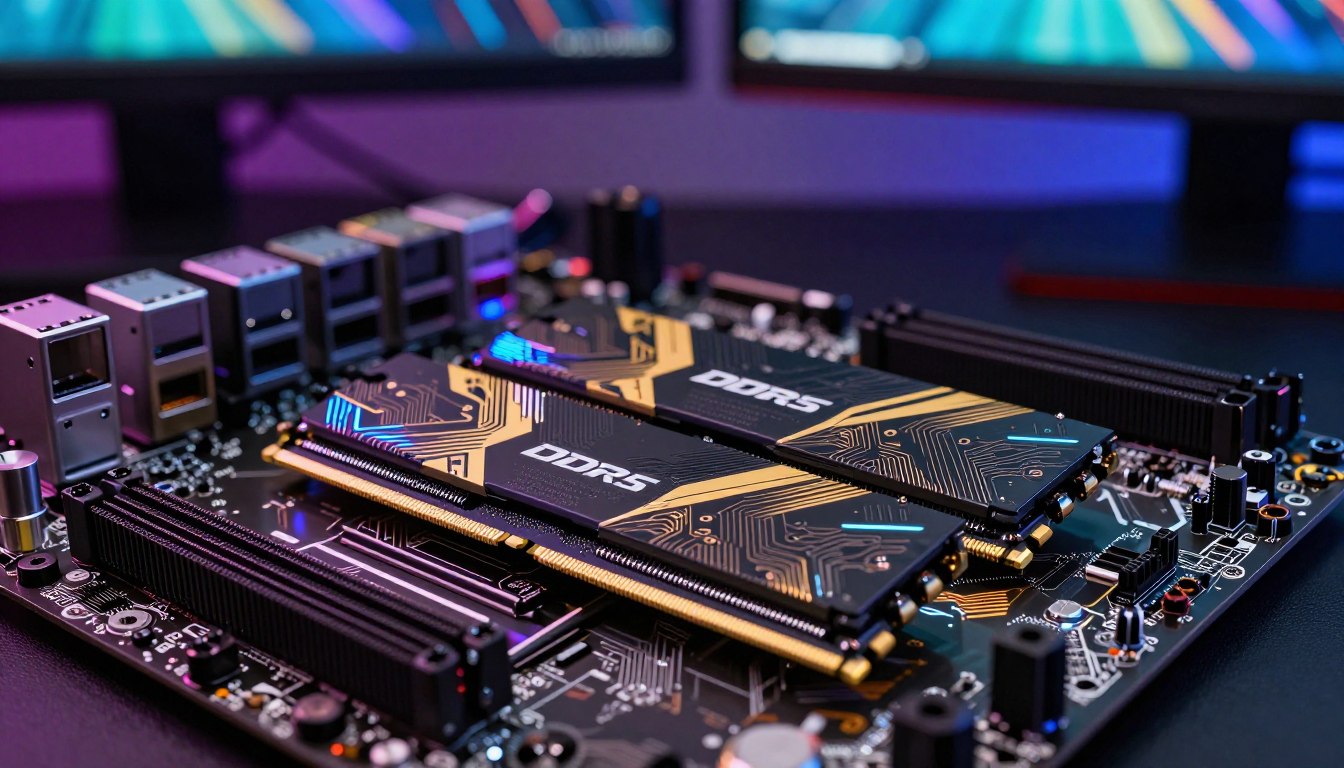
Speed and timings in a modern gaming build
Speed gains depend on the game and the rest of the computer. The reported gaming-performance difference from DDR5-5600 to DDR5-6000 was 3-8% in CPU-bound games.
Moving from DDR5-6000 to DDR5-7200 showed a smaller 1-3% difference in most titles. Gains above DDR5-6400 were minimal in typical gaming, especially at 1440p and 4K.
| Comparison | Reported gaming difference | Where it matters |
|---|---|---|
| DDR5-5600 to DDR5-6000 | 3-8% | CPU-bound games |
| DDR5-6000 to DDR5-7200 | 1-3% | Most titles |
| Above DDR5-6400 | Minimal typical gains | Especially 1440p and 4K |
Those results make chasing the highest advertised number a poor fit for many builds. CPU limits, graphics settings, and resolution all shape how much memory speed affects gaming performance.
Why two sticks can beat one
A single-channel configuration uses one stick, while a dual-channel configuration uses two sticks across separate channels. Two sticks in dual-channel can deliver 10-15% more memory bandwidth than one stick with the same total capacity.
Look for the advertised memory profile, called an XMP or EXPO profile. Supported rated speeds may require enabling that profile in BIOS. Match the kit to the CPU and motherboard support instead of paying extra for a speed the rest of the system cannot use.
When Is a RAM Upgrade Worth the Cost?
An upgrade is most worthwhile when your current memory use causes repeatable slowdowns during the way you actually play. Look for a pattern, such as a game hitching whenever several applications are open. Measure memory use during a typical session before paying for extra capacity.
Check Windows Task Manager while the game and your usual background applications are running. A high reading matters most when it lines up with a slowdown you can reproduce.
- Repeated hitching while several applications are open.
- Sluggish switching between a game and other apps.
- Freezes or crashes alongside high memory use.
- A game plus streaming or recording software uses the setup’s available headroom.
More RAM does not guarantee higher FPS in a laptop if the laptop was not limited by memory. Closing an unnecessary application may improve the session without changing hardware.
Memory prices have shifted across recent U.S. market snapshots. In 2026, a 32 GB (2×16 GB) DDR5 kit was listed at $350 or more when available, compared with about $100-$200 in October 2025. In 2026, the lowest U.S. price for a 32 GB DDR4-3200 kit was $209.
June 2026 U.S. retail prices for 64 GB DDR5-6000 CL38 kits ranged from about $166 to $390. A TeamGroup Delta RGB 16 GB (2×8 GB) DDR5-6000 CL38 kit was listed at about $115 at Newegg that month.
These are dated price snapshots, not promises of current price or availability. Memory type, capacity, and availability all affect cost, so compare kits that fit your system rather than relying on one price. Check memory use during a typical gaming session before spending on a larger kit.
How Do You Check RAM Compatibility Before Upgrading?
Start with the exact PC or motherboard model, because RAM generation, slots, and maximum capacity vary by system. Check the model first, then confirm whether the computer uses DDR4 or DDR5. A module must match the system’s memory type and physical slot.
Use these checks before ordering a kit:
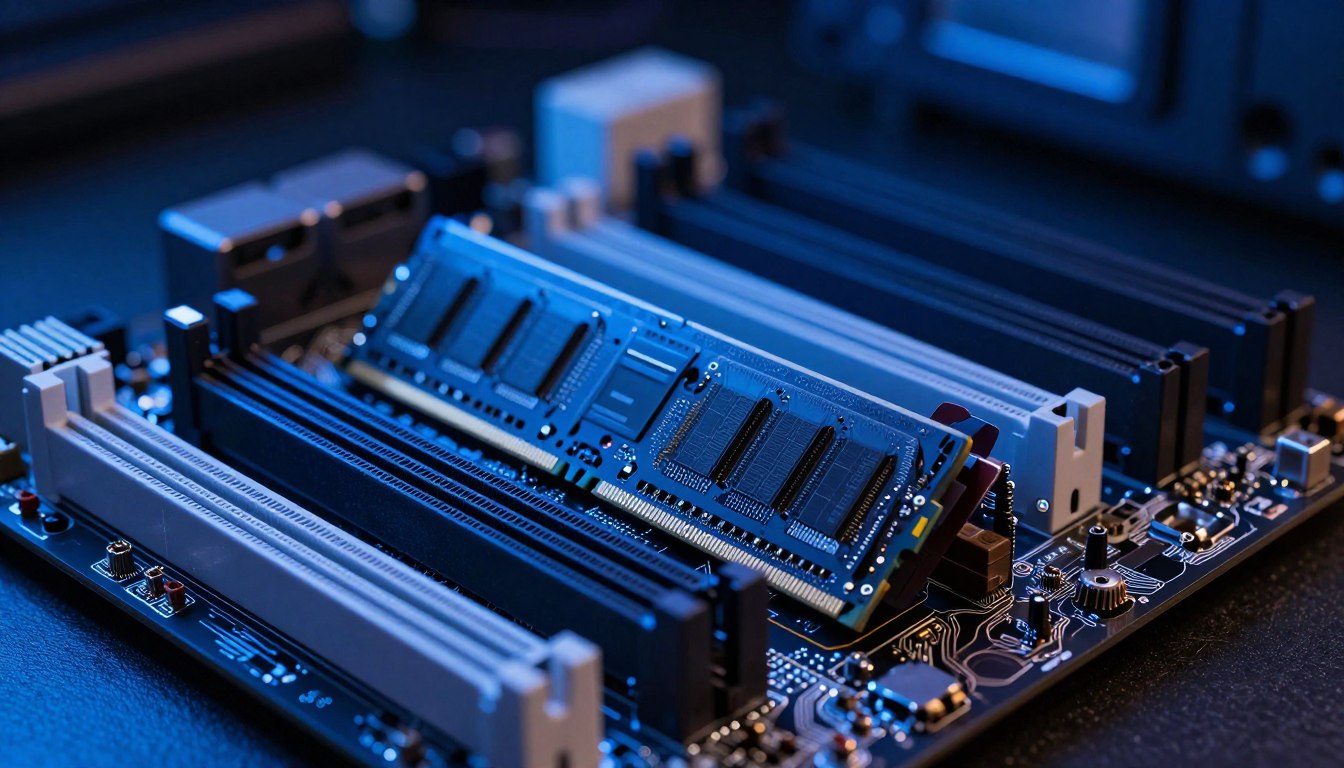
- Confirm whether the system supports DDR4 or DDR5.
- Check available slots and whether the memory is soldered or slotted.
- Verify motherboard and CPU maximum capacity and supported module sizes.
- Install a compatible matched kit in the recommended slots.
Some consumer desktop CPU platforms support up to 192 GB or 256 GB, while many mid-range and low-end CPUs cap out at 128 GB or less. A four-slot consumer motherboard with 128 GB DDR5 modules has a theoretical maximum of 512 GB; a two-slot Mini-ITX board has a theoretical maximum of 256 GB.
A board’s theoretical maximum does not guarantee stable operation at that capacity. The motherboard, BIOS, and CPU memory controller all affect reliable operation.
Most consumer PCs cannot support 1 TB of RAM; that capacity is mainly used in enterprise servers and professional workstations. A 2026 example of upgradeable laptop memory is the MSI Katana 15 HX, tested at $999.99 with an Intel Core i7-14650HX, Nvidia GeForce RTX 5050 Laptop GPU, and 144 Hz 1920 x 1080 display. Confirm the system’s supported module size and slot arrangement before ordering a kit.
Conclusion
For a gaming PC, enough RAM matters more than simply having the largest kit available. Extra capacity can reduce memory-related hitching when games and other applications compete for space, but it may not improve average FPS when memory is already sufficient.
Sixteen gigabytes can suit many games played alone, while 32 GB gives more room for streaming and background work. A memory upgrade makes sense when it addresses a limit you can see during real play.
Check your system’s memory use and supported modules, then choose an upgrade only if it solves a real limit.
FAQ
Will more RAM make games faster?
More RAM can make games run more smoothly when the current system is short on memory, but extra capacity alone does not guarantee higher average FPS. A shortage can lead to hitching as the computer manages active data. If the game already has enough memory, a graphics card or processor limit may matter more.
Can a PC run without RAM?
No, a normal gaming PC needs working RAM to start and run its operating system and games. RAM holds the active instructions and data the CPU needs while the computer is on. A drive can store Windows and game files, but it cannot replace RAM as the system’s fast working space.
Is 64 GB of RAM overkill for gaming?
For gaming alone, 64 GB is usually more than you need. It makes more sense if you also handle heavy 4K video editing, large-scale 3D design, or several professional applications at once. For a game and ordinary background apps, 32 GB is a more practical target for many players.
Is 32GB of RAM an overkill?
No, 32 GB is not overkill for mainstream AAA gaming with background applications or streaming software. It gives those tasks more room to run alongside a game. Sixteen gigabytes can still suit many games played alone, especially when you close apps that use memory in the background.
Does higher RAM mean faster?
No, more capacity and faster memory are different things. More capacity helps when the system runs short of room for active work; speed and timings affect how quickly memory serves data. The effect of faster RAM depends on the game, CPU platform, and whether the system is otherwise limited.
Is 1TB of RAM possible?
Yes, some enterprise servers and professional workstations can use 1 TB of RAM. Most consumer PCs do not support that much memory, and many consumer CPUs have lower capacity limits. The maximum depends on the system’s CPU and motherboard, as well as the modules it supports.
What is a good RAM speed for gaming?
DDR5-6000 to DDR5-6400 with CL30-CL32 timings is a practical range for many modern gaming builds. DDR5-6000 CL30 is a common recommendation for AMD AM5 systems, while DDR5-6400 CL32 is a practical upper limit for most Intel builds. Check that your CPU and motherboard support the kit.
Is it worth increasing RAM from 16GB to 32GB?
Moving from 16 GB to 32 GB is more worthwhile when you stream, record gameplay, or keep background applications open while gaming. Sixteen gigabytes can be enough for many games played alone. Check memory use during your usual session, since the upgrade helps most when the current setup is running short.
If you want to dig further into how to start consulting business, read our How to Start Consulting Business guide.
If you want to dig further into how to start business without money? your 202, read our How to start business without money? Your 202 guide.
If you want to dig further into unpacking excellence, read our Unpacking Excellence guide.